Best Resources to Learn Frontend Development in 2026
A practical guide to the best frontend development resources in 2026, including HTML, CSS, JavaScript, React, TypeScript, accessibility, performance, projects, and interview practice.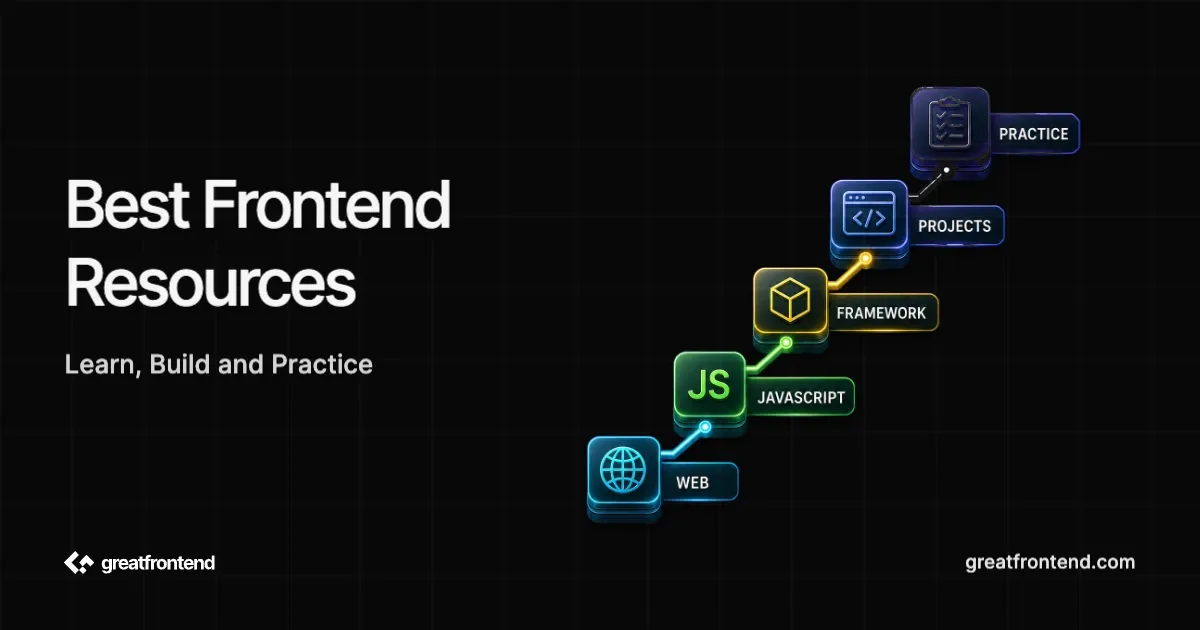
The best resources to learn frontend development in 2026 are the ones that help you build better interfaces, not the ones that make your bookmark folder bigger. Use MDN Learn web development for the web platform, official framework docs for React, Angular, or Vue, the TypeScript Handbook when JavaScript starts feeling too loose, web.dev and W3C WAI for performance and accessibility, and project or interview platforms when you need practice.
Do not try to use every resource in this article. Pick one reference, one guided path, one practice platform, and one feedback loop. Replace a resource only when it stops helping you ship better work.
Quick picks by learning goal
| Goal | Start with | Use it to build |
|---|---|---|
| Learn from zero | MDN Learn web development | A personal page, contact form, and small interactive widget |
| Practice HTML and CSS | web.dev Learn HTML, web.dev Learn CSS, and MDN HTML/CSS docs | Responsive pages with semantic headings, forms, and layouts |
| Learn JavaScript | MDN JavaScript Guide | Search, filters, timers, tabs, modals, and API-backed widgets |
| Add TypeScript | TypeScript Handbook | Typed data models, form state, API responses, and reusable helpers |
| Learn React | React Learn | A stateful product flow with lists, forms, effects, and conditional UI |
| Compare frameworks | Angular docs, Vue guide, and React docs | One small app in the framework your target roles use |
| Learn accessibility | web.dev Learn Accessibility, W3C WAI, and ARIA APG patterns | Keyboard-safe forms, dialogs, tabs, menus, and error messages |
| Learn performance | web.dev Learn Performance, PageSpeed Insights, and Chrome DevTools Performance docs | A before/after performance note with measured improvements |
| Build portfolio proof | GitHub README docs | A repo that another developer can run and review quickly |
| Practice interviews | GreatFrontEnd UI coding questions, JavaScript questions, and quiz questions | Timed solutions with explanations, edge cases, and test notes |
Web platform resources
Start with the browser before you start collecting frameworks. Frontend work still depends on HTML structure, CSS layout, JavaScript behavior, browser APIs, network requests, accessibility, and performance.
MDN Learn web development is the best first stop because it gives a structured path instead of isolated reference pages. Use it for HTML, CSS, JavaScript, forms, debugging, web standards, and accessibility basics. When a lesson mentions a specific feature, open the deeper MDN reference page only for that feature.
web.dev Learn HTML, Learn CSS, and Learn JavaScript are useful companions when you want shorter, topic-focused explanations. They are especially good for layout, responsive behavior, forms, and browser-centered thinking.
Good output from this stage:
| Topic | Build |
|---|---|
| Semantic HTML | Resume page, article page, product detail page |
| Forms | Contact form with labels, validation, errors, and disabled states |
| CSS layout | Pricing page, settings page, dashboard shell |
| JavaScript DOM | Tabs, accordion, modal, search filter, image carousel |
| Network requests | Search page with loading, empty, error, and retry states |
JavaScript and TypeScript resources
Use the MDN JavaScript Guide for the language and browser examples. Pair it with small tasks: array transforms, object updates, event handlers, timers, fetch calls, and DOM updates. You do not need to memorize every API before building; you need enough comfort to read errors and change requirements.
Move to the TypeScript Handbook after you can write JavaScript without copying every line. TypeScript is most useful when your code has data shapes that can drift: API responses, component props, form values, reducer actions, table rows, and reusable utilities.
Use GreatFrontEnd's JavaScript interview questions when you want feedback on the language pieces interviews often test: closures, promises, array methods, object manipulation, timers, event handling, and browser behavior.
| Skill | Resource | Practice task |
|---|---|---|
| JavaScript syntax and behavior | MDN JavaScript Guide | Rebuild map, filter, debounce, throttle, and event handlers |
| Async work | MDN Fetch API and Promise docs | API search with abort, retry, empty, and error states |
| TypeScript basics | TypeScript Handbook | Type a product list, form state, and API response |
| Interview speed | GreatFrontEnd JavaScript questions | Solve, explain tradeoffs, then rewrite without looking |
Framework resources
Do not learn React, Angular, and Vue at the same time. Pick based on the roles, teams, or projects you are targeting.
React Learn is the right React starting point in 2026 because it teaches current React terminology: components, props, state, rendering, effects, refs, and state structure. Build one complete flow after each major concept instead of finishing the docs in one pass.
Angular docs are the right starting point when your target roles use Angular. Vue's guide serves the same purpose for Vue roles. Choose from the job descriptions or project constraints you actually have, not from a generic framework ranking.
If you want to learn full app routing, data loading, and deployment after React basics, add the Next.js docs or another framework your target roles mention. Do this after you can explain React state and effects in a small app.
| If your target is | Learn first | Build before moving on |
|---|---|---|
| Product startups and React-heavy teams | React docs | Cart, booking flow, dashboard, or search UI |
| Enterprise Angular teams | Angular docs | Form-heavy admin flow with validation and routing |
| Vue teams or smaller component apps | Vue guide | Component-based dashboard or content app |
| Full-stack React app work | Next.js docs | Auth-free app with routes, loading states, and server data |
Accessibility resources
Accessibility is not a late polish task. It changes HTML choices, component APIs, keyboard behavior, error messages, and testing.
Use W3C WAI's introduction to accessibility for the why and the user impact. Use web.dev Learn Accessibility for developer-level lessons on semantic HTML, focus, forms, images, color, motion, automated checks, and manual testing. Use ARIA Authoring Practices Guide patterns only when native HTML is not enough and you are building components such as dialogs, comboboxes, menus, tabs, or accordions.
Practice accessibility on components you already know:
| Component | Check |
|---|---|
| Form | Labels, descriptions, invalid states, error announcements |
| Modal dialog | Focus trap, escape key, initial focus, return focus |
| Tabs | Keyboard navigation, selected state, panel relationship |
| Menu or combobox | Arrow keys, active item, screen reader labels |
| Data table | Captions, headers, sorting buttons, responsive behavior |
Performance resources
web.dev Learn Performance is the best structured starting point for frontend performance. It covers the loading path, images, fonts, JavaScript, lazy loading, code splitting, and metrics. Pair it with PageSpeed Insights for quick checks and Chrome DevTools Performance docs when you need to inspect what the browser is doing.
Do not learn performance as a list of tricks. Pick one page you built and write down the before and after:
| Problem | Resource to use | Improvement to prove |
|---|---|---|
| Large images | web.dev image performance lessons | Smaller bytes and better LCP |
| Too much JavaScript | web.dev code-splitting lessons | Less startup work and better interaction timing |
| Slow fonts | web.dev font performance lessons | Measured text-rendering behavior and fewer font-related layout shifts |
| Expensive rendering | Chrome DevTools Performance docs | Shorter long tasks or fewer unnecessary renders |
Guided courses and project practice
Guided courses are useful when they make you build. They become a trap when every lesson resets the project and you never practice changing requirements.
freeCodeCamp is useful for structured beginner practice and certification-style projects. The Odin Project is useful if you want a longer, project-heavy JavaScript path with HTML, CSS, JavaScript, React, Node.js, and getting-hired material. GreatFrontEnd Projects challenges are useful when you want larger frontend projects with specs, designs, APIs, and reviewable submissions.
Use project platforms this way:
| Platform | Best for | Avoid using it for |
|---|---|---|
| freeCodeCamp | Getting started and finishing scoped exercises | Staying only inside guided tasks forever |
| The Odin Project | Longer project-based learning | Rushing through reading without shipping projects |
| GFE Projects | Project specs, designs, APIs, and submissions | Skipping the README or review pass |
| GFE Interviews | Interview-style frontend implementation | Memorizing solutions without explaining tradeoffs |
GitHub and portfolio resources
Resources matter only if they leave proof behind. A reviewer should be able to open your GitHub repo and understand what you built, how to run it, and what tradeoffs you made.
Use GitHub's README docs to make projects reviewable. For each serious project, include:
- What the app does.
- What you built yourself.
- How to run it locally.
- Screenshots or a short demo link.
- The main states: loading, empty, error, invalid input, success.
- One tradeoff or limitation you would improve next.
If you need a broader order, use the Frontend Developer Roadmap. If you are starting from scratch, read Frontend Development for Beginners before building your first portfolio project.
A six-week resource plan
This is a starter plan, not a rule. The point is to connect each resource to an output.
| Week | Resource | Build |
|---|---|---|
| 1 | MDN Learn web development | Static profile page and contact form |
| 2 | web.dev Learn CSS and MDN CSS layout docs | Responsive pricing or settings page |
| 3 | MDN JavaScript Guide | Tabs, modal, accordion, and searchable list |
| 4 | MDN Fetch API and browser DevTools | API-backed search with loading, empty, error, and retry states |
| 5 | React Learn and TypeScript Handbook | React version of one previous project with typed data |
| 6 | web.dev Accessibility, web.dev Performance, and GitHub README docs | Accessibility pass, performance note, README cleanup |
At the end of each week, ask one question: can you change the project without reopening the tutorial step by step? If yes, move on. If no, rebuild the same idea with one changed requirement.
How to know a resource is worth your time
A resource is good when it changes what you can build without it open.
| Signal | Keep using it when | Move on when |
|---|---|---|
| Concepts | It explains browser or framework behavior | It only gives commands to copy |
| Practice | It asks you to build from a blank file | It never asks you to change requirements |
| Feedback | It gives tests, checks, review criteria, or examples | It only marks lessons complete |
| Transfer | You can apply the idea to another project | You can only reproduce the lesson project |
| Maintenance | It matches current docs and tooling | It teaches outdated setup steps |
The smallest useful resource stack is enough: one reference, one guided path, one practice platform, and one project reviewers can inspect. For example, use MDN as the reference, React docs when you reach components, the TypeScript Handbook when the app has typed data, GreatFrontEnd for interview-style practice, and GitHub README docs to make the proof visible.
Common questions
Should beginners learn React first?
Learn enough HTML, CSS, JavaScript, browser behavior, and DevTools before relying on React. You do not need to master every browser API first, but you should know what React is helping with: rendering, component structure, state, effects, and updates.
Should you use YouTube courses?
Use YouTube for explanations, debugging walkthroughs, and visual demos. Do not make it your only path unless the course includes projects, exercises, and review criteria. A two-hour video that produces no project is weaker than a short MDN lesson followed by a small working UI.
Do you need paid frontend courses?
Paid courses can help when they provide structure, projects, feedback, or a community. They are not required for the core path. Start with MDN, official docs, web.dev, and project practice. Pay only when the course replaces a missing feedback loop or gives you a path you will actually finish.
How many resources should you use at once?
Use fewer than you think. For one topic, keep one main resource and one practice output. For example, use React Learn plus one product flow. Use the TypeScript Handbook plus one typed API feature. Use web.dev Accessibility plus one modal or form audit.
Turn the resource into proof
Pick one topic and one resource from this article. Build the smallest complete version, then change one requirement that makes it less tutorial-shaped: a smaller screen, slower API, invalid input, empty result, keyboard interaction, saved state, or a README another developer can follow.
Keep a resource only if it helps you explain the concept, build without copying every step, or show a finished artifact. If it gives you more bookmarks than output, move on.
Learning becomes durable when the resource turns into code, notes, and visible proof. Bookmark less, build more, and switch resources only when the current one has stopped improving what you can ship.
Related articles
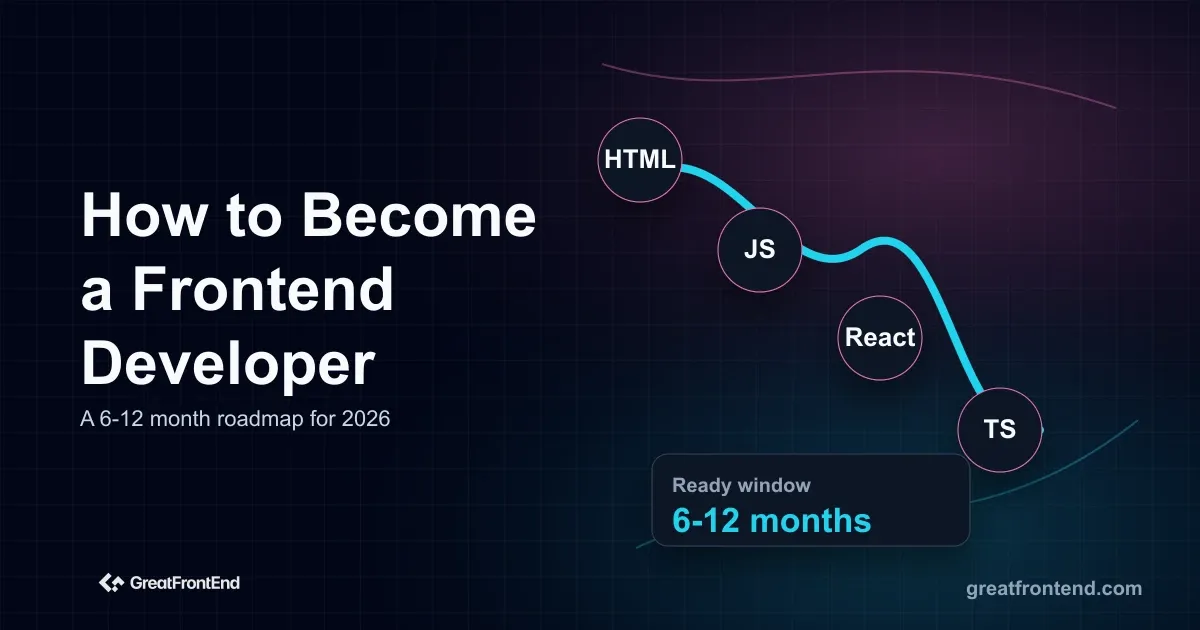 Learn how to become a frontend developer in 2026 with a staged roadmap covering web foundations, React, TypeScript, production skills, projects, and expert tracks.
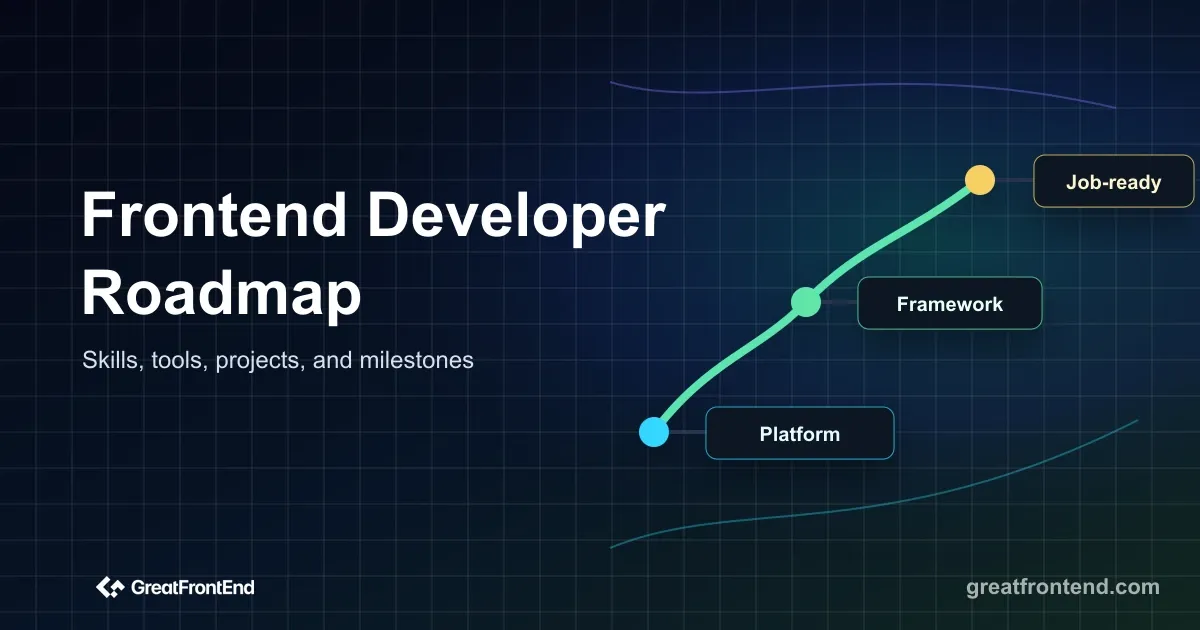 A detailed frontend developer roadmap for 2026 covering the skills, tools, projects, milestones, and interview practice needed for modern frontend roles.
 Learn JavaScript in 2026 with a practical roadmap covering syntax, DOM, async code, browser APIs, projects, testing, and interview practice.
 Learn React in 2026 with a practical roadmap covering components, JSX, state, effects, forms, data fetching, routing, TypeScript, and interview practice.