How to Build a Frontend Developer Portfolio With No Experience (2026)
Learn how freshers can build a frontend developer portfolio with no experience using beginner-friendly projects, GitHub, case studies, and clear proof.
To build a frontend developer portfolio with no experience, create a simple portfolio site, add three finished projects, write project notes, deploy everything, and make your GitHub easy to review.
This guide is for freshers who are staring at a blank page and do not know where to start. You do not need a job history, a famous open-source profile, or an award-winning design. You need proof that you can build small frontend projects carefully.
Your first portfolio should answer a simple question: "Can this person be trusted with a junior frontend task?" The answer should come from the work itself, not from adjectives in the About section.
What a beginner portfolio should do
A beginner portfolio is not a personal brand campaign. It is a hiring artifact.
It should prove:
- You can build responsive pages.
- You understand basic JavaScript.
- You can use a frontend framework for small flows.
- You can fetch and display data.
- You can handle loading, empty, and error states.
- You can write a README.
- You can deploy your work.
- You can explain your own code.
If your portfolio does that, it is already better than many beginner portfolios.
The easiest review path is:
- Homepage says the role you want.
- Project card links to a live demo.
- Live demo shows real UI states.
- GitHub link has a README and run commands.
- Project note explains one decision and one limitation.
If any step breaks, fix that before redesigning the site.
Step 1: Build the portfolio shell
Keep the site simple.
Required sections:
| Section | What to include |
|---|---|
| Home | name, target role, one-line summary, links |
| Projects | three selected projects with live links and GitHub links |
| Skills | only tools you can explain |
| About | short learning story and work preference |
| Contact | email, GitHub, LinkedIn, resume |
Good homepage headline:
Frontend developer fresher building React, JavaScript, and responsive web projects.
Good supporting text:
I build small product-style interfaces with forms, API data, responsive layouts, and clear project notes.
Avoid:
Motivated developer creating digital solutions.
That tells the reader nothing.
Step 2: Build three projects
Three finished projects are enough for the first version. Finished means deployed, documented, responsive enough to inspect on a phone, and honest about what is mocked.
| Project | Skill it proves | Why it helps |
|---|---|---|
| Multi-step form | forms, validation, state, accessibility | many junior tasks involve forms |
| API-backed search or dashboard | fetch, loading, empty, error, retry | proves you can work with data |
| Cart, booking flow, or expense tracker | user actions, derived state, persistence | proves interactive app logic |
Do not copy a tutorial exactly. If you use a tutorial for learning, change the requirements until the project becomes yours. Add one feature the tutorial did not include, change the data shape, and write down the decision you had to make.
Project 1: Multi-step form
Build a form that feels like a small product workflow.
Good ideas:
- Job application form
- Course enrollment form
- Event registration form
- Profile setup flow
- Subscription preference form
Required features:
- 3-4 steps
- Required fields
- Inline validation
- Review step
- Back and next buttons
- Disabled submit while invalid
- Success state
- Responsive layout
- Accessible labels
- Error text that helps the user fix the issue
Review details that matter:
- Error text should be next to the field or summarized clearly.
- The Back button should not erase earlier answers.
- The Review step should show the same values the user entered.
- The form should work without relying only on placeholder text.
Beginner version:
- Store all state in React component state.
- Use simple validation functions.
- Show errors after blur or submit.
Improved version:
- Save progress to local storage.
- Add a validation summary.
- Add tests for required fields.
- Add keyboard checks.
Project note:
What I built:A three-step application form with validation and review.Frontend decisions:I kept all form values in one state object so the review screen could read them easily. I validate each step before moving forward.What I learned:Form UX is not only inputs. Disabled states, error messages, and review screens matter.What I would improve:I would add server-side validation and better autosave.
Project 2: API-backed search or dashboard
Build something that uses data.
Good ideas:
- Movie search
- Recipe finder
- Product catalog
- GitHub profile finder
- Job application tracker with mock API
- Weather dashboard
Required features:
- Search or filter
- Loading state
- Empty state
- Error state
- Retry button
- Details view
- Responsive layout
Review details that matter:
- Loading, empty, and error states should be visually different.
- Failed requests should not leave old results in a confusing state.
- The details view should have a clear way back to the results.
- If search is debounced, the README should mention why.
Beginner version:
- Fetch data on submit.
- Render results.
- Show loading and errors.
Improved version:
- Debounce search.
- Cancel stale requests.
- Add filters.
- Put search in the URL.
- Add skeleton or structured loading UI.
Project note:
What I built:An API-backed product search page with filters and details.Frontend decisions:I separated the search input from the submitted query so the API is not called on every keypress.What I learned:The empty state and error state need different messages.What I would improve:I would add pagination and cache repeated searches.
Project 3: Cart, booking flow, or expense tracker
Build something where user actions change state.
Good ideas:
- Shopping cart
- Appointment booking
- Expense tracker
- Habit tracker
- Reading list
- Split-bill calculator
Required features:
- Add item
- Edit or remove item
- Derived total or summary
- Empty state
- Confirmation for destructive action
- Local persistence
- Mobile layout
Review details that matter:
- Totals should be derived from items, not stored separately without a reason.
- Delete actions should be recoverable or confirmed.
- Local storage should handle empty or outdated data safely.
- Empty states should tell the user what action to take next.
Beginner version:
- Use component state.
- Calculate totals from current items.
- Save to local storage.
Improved version:
- Add filters or categories.
- Add undo for delete.
- Add validation.
- Add tests for totals.
Project note:
What I built:An expense tracker with categories, filters, and monthly totals.Frontend decisions:I calculate totals from the transaction list instead of storing totals separately.What I learned:Duplicate state can create bugs when values change in multiple places.What I would improve:I would add import/export and charts.
Step 3: Write project pages
Each project page should have more than a screenshot.
Use this structure:
| Section | What to write |
|---|---|
| What it is | one paragraph explaining the project |
| Features | short bullets |
| Screens | key screenshots or GIF |
| Frontend decisions | state, API, layout, validation, or accessibility |
| What I learned | specific lessons |
| What I would improve | honest next step |
| Links | live demo and GitHub |
This helps interviewers see that you understand the work behind the final screen. It also gives you better interview answers because you are not trying to remember vague project details under pressure.
Step 4: Make GitHub reviewable
Clean GitHub is part of the portfolio. A reviewer may open the repo before the live demo, so do not treat GitHub as an afterthought.
For each repo:
- Use a clear name.
- Add a README.
- Add screenshots.
- Add a live demo link.
- Add setup commands.
- Remove unused files.
- Keep fake data in a clear folder.
- Use
.env.exampleif needed. - Pin the three best repos.
README template:
# Project NameShort description.## Live demoLink## Features- Feature 1- Feature 2- Feature 3## Tech stackReact, TypeScript, CSS## Run locallynpm installnpm run dev## NotesOne tradeoff or limitation.
Step 5: Add a resume that matches the portfolio
Your resume should point to the same proof.
Project bullets:
- Built a React multi-step form with validation, review screen, saved progress, and responsive layout.
- Created an API-backed product search page with loading, empty, error, retry, and details states.
- Built an expense tracker with category filters, derived totals, local persistence, and mobile layout.
Avoid:
- "Good knowledge of frontend"
- "Hardworking and sincere"
- Skill bars or percentages
- Ten tools you cannot explain
- Projects with no live link
The resume gets attention. The portfolio earns the interview.
Make the order match the role. If the job asks for React, put the React project first. If it asks for UI developer skills, put the responsive page or form first. Do not make the reviewer hunt for the relevant proof.
A 21-day starter plan
If you feel stuck, follow this plan.
| Days | Work |
|---|---|
| 1-2 | Create portfolio shell and deploy it |
| 3-7 | Build multi-step form |
| 8-12 | Build API-backed search or dashboard |
| 13-16 | Build cart, booking flow, or expense tracker |
| 17 | Write READMEs |
| 18 | Write project pages |
| 19 | Fix mobile layout and broken links |
| 20 | Add resume and contact links |
| 21 | Apply to 10 relevant roles |
Your portfolio will not be perfect after 21 days. That is fine. A real, reviewable portfolio beats a perfect portfolio that never ships.
Before applying, do one clean-room check: open each project in an incognito window, click the main flow, resize to mobile width, and follow the README run command in a fresh folder. This catches the boring failures reviewers notice first.
What to do after publishing
After the first version:
- Apply to roles.
- Track which projects interviewers ask about.
- Write down questions you could not answer.
- Improve the project notes.
- Fix broken UX.
- Add tests to one project.
- Improve one project instead of starting five new ones.
The portfolio should improve through feedback, not endless redesign.
Common beginner mistakes
Avoid:
- Spending all your time on animations
- Copying portfolio templates without changing content
- Building only landing pages
- Not deploying projects
- Having broken GitHub links
- Leaving README files empty
- Using fake skill percentages
- Saying "full stack" when the proof is frontend-only
- Hiding errors instead of handling them
The best beginner portfolio is honest. It shows your current level and gives a team confidence that you can grow. If something is mocked, say it is mocked. If a feature is incomplete, name the next step instead of pretending it is done.
A frontend developer portfolio with no experience should make your learning visible. Build three useful projects, explain them clearly, clean up GitHub, and apply before perfection becomes another way to procrastinate.
相关文章
 Learn how freshers can get frontend developer jobs in 2026 with a practical skill path, portfolio projects, resume proof, GitHub cleanup, and interview prep.
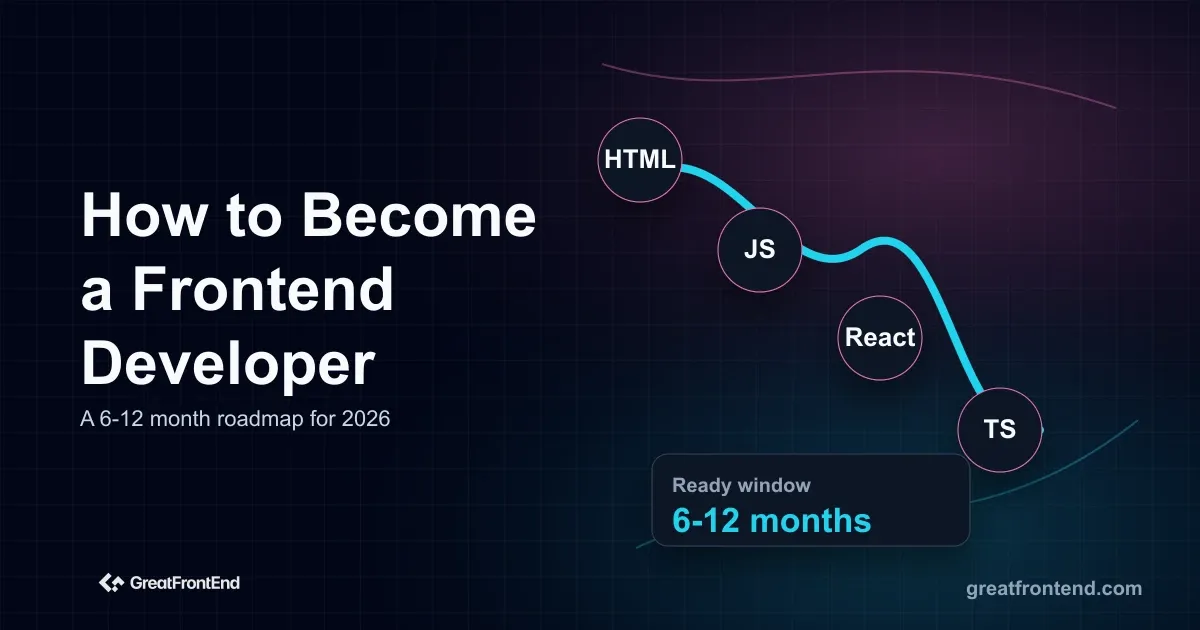 Learn how to become a frontend developer in 2026 with a staged roadmap covering web foundations, React, TypeScript, production skills, projects, and expert tracks.
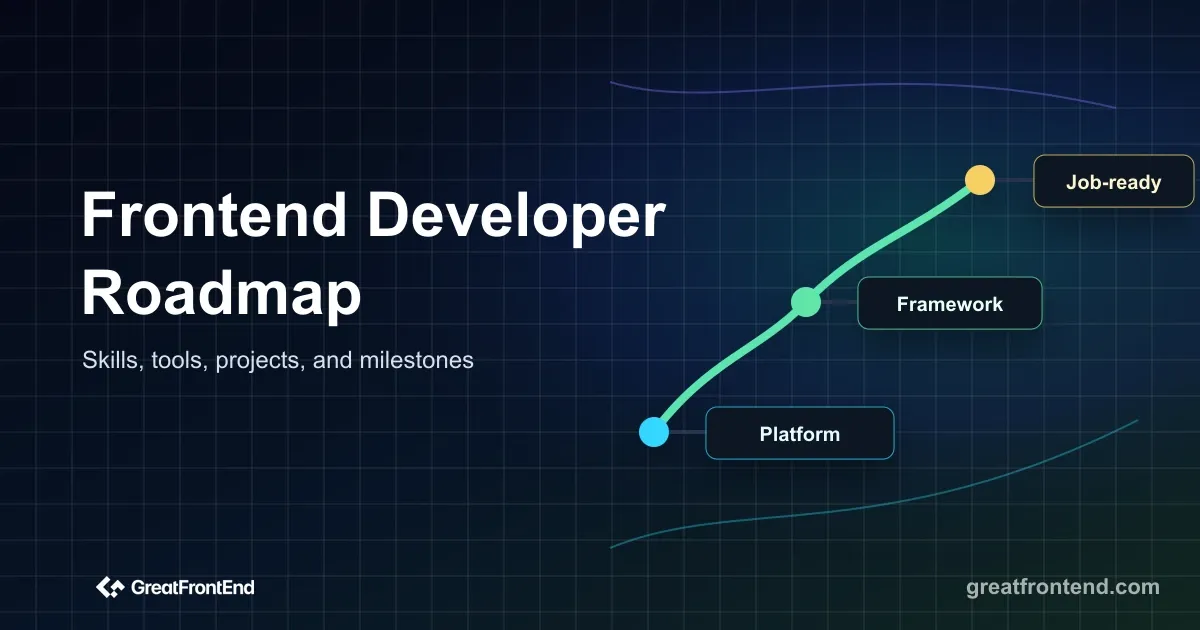 A detailed frontend developer roadmap for 2026 covering the skills, tools, projects, milestones, and interview practice needed for modern frontend roles.