How to Become a Frontend Developer in 2026: The Complete Roadmap
Learn how to become a frontend developer in 2026 with a staged roadmap covering web foundations, React, TypeScript, production skills, projects, and expert tracks.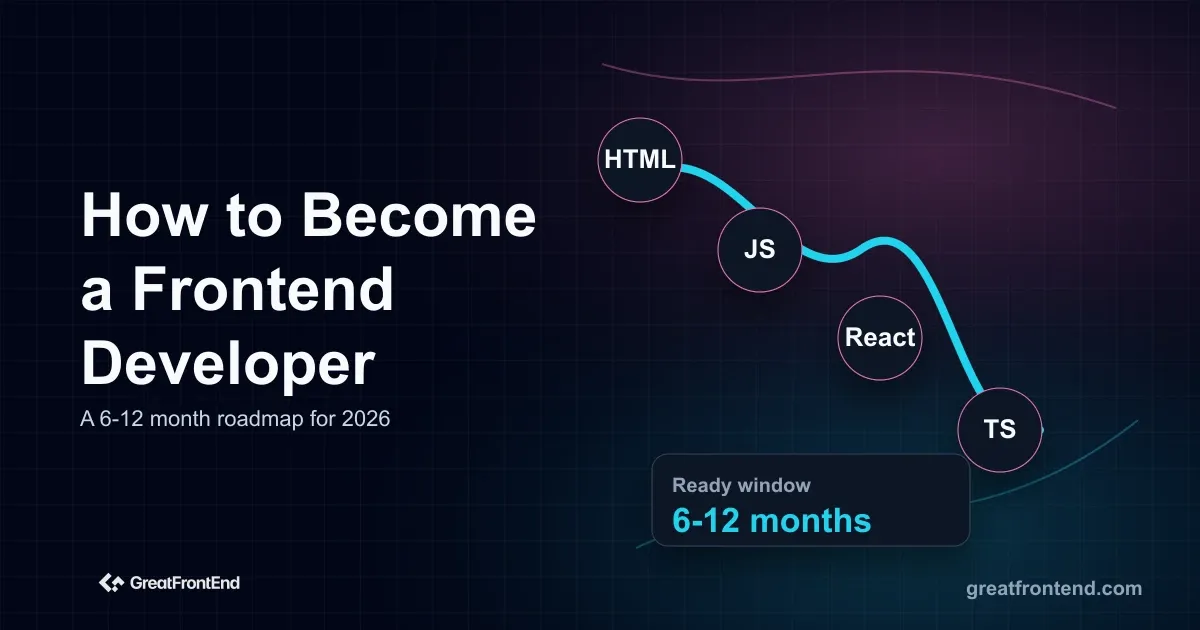
To become a frontend developer in 2026, learn the web fundamentals first, then build apps with JavaScript, TypeScript, and React, then prove you can ship accessible, fast, tested UI. Do not start by collecting libraries.
A realistic path takes months, not a weekend. You are trying to become useful on a product team, not collect every tool.
Why this roadmap uses JavaScript, TypeScript, and React
You can become a frontend developer with different frameworks, but JavaScript, TypeScript, and React are still practical default choices for most learners.
GitHub's 2025 Octoverse report said TypeScript overtook both Python and JavaScript in August 2025 to become the most used language on GitHub, and noted that major frontend frameworks now scaffold TypeScript by default. JetBrains' 2025 developer ecosystem report also called TypeScript the language with the most dramatic rise in usage over the previous five years.
React remains a common hiring signal too. InfoQ's summary of the State of JavaScript 2025 survey reported React as the most used frontend framework among respondents, with Next.js also widely used. That does not mean React is the only good framework. It means React and TypeScript are efficient bets for interview preparation and portfolio work.
Stage 1: Learn the web fundamentals
Start with HTML, CSS, JavaScript, and the browser. These are not beginner-only topics. Senior frontend engineers still debug problems at this layer.
Learn HTML as structure, not decoration:
- Headings, landmarks, lists, buttons, links, inputs, labels, and forms
- When to use native elements instead of custom components
- Basic SEO and metadata
- How the DOM represents the page
Learn CSS as a layout system:
- Box model
- Cascade and specificity
- Flexbox and Grid
- Positioning
- Responsive design
- Overflow, stacking, and containment
- Media queries and container queries
Then learn JavaScript deeply enough to build interactive pages:
- Values, types, scope, closures, and modules
- Arrays, objects, maps, sets, and common transformations
- Events and event delegation
- Promises, async/await, timers, and fetch
- Error handling
- DOM updates
- Browser storage
Do not skip forms. A lot of frontend work is still forms: validation, disabled states, keyboard behavior, error messages, async submission, and recovery after failure.
Stage 2: Build without a framework
Before React, build a few small projects with plain HTML, CSS, and JavaScript:
- A multi-step form with validation
- A searchable table with sorting and filtering
- A small dashboard that fetches data from an API
- A responsive pricing page or settings screen
These projects show you what frameworks are solving. If you skip this stage, React can become a place to hide weak web knowledge.
Use browser DevTools early. Inspect layout, network requests, console errors, performance traces, storage, and accessibility hints.
Stage 3: Learn React and TypeScript
React remains a common hiring signal, and TypeScript is now expected in many frontend teams with a real interview bar. Learn them together once your JavaScript is steady.
For React, learn:
- Components and props
- State and rendering
- Effects and their limits
- Controlled forms
- Lists and keys
- Context
- Refs
- Error boundaries
- Composition patterns
- Data fetching patterns
For TypeScript, learn:
- Basic types, unions, interfaces, and generics
- Typing component props
- Typing API responses
- Narrowing unknown data
- Avoiding
anyas a habit - Reading type errors instead of fighting them
You do not need to memorize every React API. You do need to understand how UI changes over time and how data moves through your components.
Stage 4: Learn app fundamentals
A frontend developer builds applications, not isolated components. This stage connects your UI to product behavior.
Spend time with:
- Routing
- Authentication states
- API requests and error handling
- Loading, empty, success, and failure states
- Client state versus server state
- Pagination and search
- Optimistic updates
- File uploads
- Permissions
- Analytics events
Learn REST APIs well enough to work with backend engineers. You should understand status codes, headers, JSON, caching, idempotency, pagination, rate limits, and authentication. The REST API interview questions for frontend developers are useful even before interviews because they expose common gaps.
Stage 5: Learn production frontend skills
Many candidates separate themselves here.
Accessibility means the interface works with keyboard navigation, screen readers, visible focus states, labels, semantic HTML, color contrast, and predictable behavior.
Performance means you can measure and reduce the cost of JavaScript, images, fonts, rendering, layout shifts, slow API calls, and unnecessary re-renders.
Testing means you can protect important behavior. Learn unit tests for logic, component tests for UI behavior, and end-to-end tests for critical flows.
Security basics matter too. Frontend engineers should understand cross-site scripting, unsafe HTML, token storage tradeoffs, permissions, CSRF at a high level, dependency risk, and privacy-sensitive data.
You do not need to be an expert in every area. You do need to know enough to avoid shipping careless UI.
Stage 6: Build a portfolio that proves judgment
A portfolio should prove that you can make product decisions instead of only copying designs.
Build three projects:
| Project | What it should prove |
|---|---|
| A dashboard | Data fetching, tables, filters, charts, loading states, empty states, and responsive layout |
| A form-heavy app | Validation, accessibility, error recovery, async submission, and state management |
| A product workflow | Routing, authentication states, permissions, API integration, and testing |
For each project, write a short case note:
- What problem it solves
- What tradeoffs you made
- What edge cases you handled
- How you tested it
- What you would improve next
Hiring teams do not need more cloned landing pages. They need evidence that you can think.
Stage 7: Use AI without becoming dependent on it
Use AI tools to explain unfamiliar code, generate first drafts, write test cases, and compare approaches. Then verify the output yourself.
The mistake is using AI to skip the learning step. If you ask AI to build every component before you understand HTML, CSS, JavaScript, and state, you may finish projects faster but become weaker in interviews and code reviews.
Use AI as a practice partner:
- Ask it to explain an error, then reproduce the fix yourself
- Ask for two approaches, then compare the tradeoffs
- Ask it to generate edge cases for your form or table
- Ask it to review your code for accessibility issues
- Ask it to write tests, then check whether the tests protect real behavior
- Ask it to simplify code, then decide whether the simpler version is actually safer
Do not use AI as a replacement for reading docs, using DevTools, or debugging your own mistakes.
For frontend work, check:
- Does the UI work without a mouse?
- Does it handle loading, empty, and error states?
- Does the layout survive narrow screens?
- Are labels and roles correct?
- Are API failures handled?
- Is TypeScript hiding unsafe assumptions?
- Did the generated code add unnecessary dependencies?
AI speeds up drafts. It can also speed up mistakes. Your value is knowing the difference.
What frontend employers expect now
AI changes the entry-level bar. Employers do not need a junior developer only to produce a first draft of a component. They need someone who can work with drafts, requirements, feedback, and bugs without lowering the team's quality.
A beginner should build evidence for:
| Skill | What it looks like in 2026 |
|---|---|
| Product behavior | You handle loading, empty, error, disabled, permission, and mobile states |
| Web foundations | You can explain the HTML, CSS, JavaScript, and browser behavior behind your UI |
| AI verification | You can review generated code instead of accepting it blindly |
| Debugging | You can use DevTools, logs, network panels, and TypeScript errors to find problems |
| Accessibility | You think about keyboard behavior, labels, focus, semantics, and contrast early |
| Communication | You can explain tradeoffs in plain language during reviews and interviews |
The roadmap starts with the platform and then adds React, TypeScript, projects, testing, and AI-assisted workflows. The order is intentional.
Stage 8: Prepare for interviews
Frontend interviews usually test a mix of JavaScript, React, CSS, browser behavior, API knowledge, and product debugging.
Practice these areas:
- JavaScript functions, arrays, objects, promises, and async behavior
- React state, rendering, effects, and component design
- CSS layout and responsive behavior
- Accessibility basics
- REST APIs and data fetching
- TypeScript
- UI system design
- Debugging existing code
Use GreatFrontEnd's JavaScript interview questions, React interview questions, quiz questions, and user interface coding questions to turn the roadmap into practice. For project-style drills, start with Contact Form, Data Table, and Image Carousel.
If you are targeting senior roles later, start building depth with TypeScript interview questions for senior frontend developers.
What job-ready actually means
You are not job-ready because you watched a React course. You are closer to job-ready when you can take a messy requirement and turn it into working UI without someone else rescuing the details.
Before applying seriously, check whether you can:
- Build a form with validation, accessible labels, async submission, disabled states, and error recovery
- Build a data-heavy view with sorting, filtering, pagination, and loading states
- Read an API response, type it, handle missing fields, and show useful fallback UI
- Explain why state belongs in one component, a context, a URL, or a data-fetching layer
- Debug a layout issue with DevTools instead of guessing
- Write at least a few tests that protect important behavior
- Deploy your project and explain the tradeoffs you made
If you cannot do these yet, keep building. If you can do most of them, start applying while improving the gaps. Waiting until you feel perfectly ready usually means waiting too long.
Optional expert tracks
After you can build and ship product UI, choose one or two specialist tracks:
- Design systems
- Web performance
- Frontend infrastructure and build tooling
- Local-first apps and offline sync
- Microfrontends
- Browser internals
- WebGL or WebGPU
- WebAssembly
- Internationalization
- Security and privacy for frontend apps
Do not begin here. Expert tracks are useful after you have product experience.
A practical 6-12 month roadmap
Do not read this as "six months guarantees a job." Read it as a readiness window.
If you already have some programming experience and can study consistently, 6 months can be enough to start applying for internships or junior frontend roles. If you are starting from zero, learning part-time, or switching careers while working, 9-12 months is more realistic.
| Phase | Timeframe | What you should be able to do |
|---|---|---|
| Web foundations | Months 1-2 | Build responsive pages, handle forms, write JavaScript interactions, use DevTools, and fetch data from APIs |
| Application basics | Months 3-4 | Build React apps with TypeScript, routing, forms, state, API integration, loading states, and error states |
| Job-ready practice | Months 5-6 | Finish portfolio projects, deploy them, practice GFE questions, explain tradeoffs, and start applying selectively |
| Interview depth | Months 7-12 | Improve weak projects, do more interviews, practice system design, add testing and accessibility depth, and study specialist topics only after the basics are stable |
The main milestone is not the calendar. It is whether you can build a working product flow, explain your decisions, debug mistakes, and pass common frontend interview exercises.
Do not try to become a frontend developer by memorizing a stack. Learn the platform, build interfaces that survive messy states, add React and TypeScript with purpose, and prove your judgment through projects.
The frontend market in 2026 rewards people who can ship usable product UI and explain their decisions. Build toward that.
相关文章
 Is frontend development dying in 2026? A data-backed look at AI, frontend career demand, what is changing, and what frontend developers should learn now.
 Prepare for REST API interview questions as a frontend fresher with answers on HTTP methods, status codes, fetch, CORS, auth, caching, pagination, errors, and API contracts.